New Datasources for XUL Templating [Part 2]
XUL, the XML-based UI language used in Mozilla products, has supported templating for a while now. Unfortunately, the only datasources you could use to drive the templates were RDF-based datasources. This has been a hurdle for some, including me, to really dive into XUL templates.
Back in July, I posted about support for using XML datasources with XUL templates. Recently, Laurent Jouanneau and Neil Deakin landed support for using SQLite-based (mozStorage) datasources. The SQL templates are a little harder to test/demo than the XML ones, but you can get a demo working fairly easily using XUL Explorer (use 0.8 just to be safe).
Laurent added some test cases to the bug. We can take those, add a manifest file and use them from XUL Explorer. Here is a storage-templates.zip archive of the test cases with a simple manifest added. Steps to get the mozStorage template tests working:
- Download and unzip somewhere
- Startup XUL Explorer
- Open the ‘Options’ dialog/sheet
- Use the ‘Manifest’ section to add the path to the unzipped manifest file
- Open one of the mozStorage XUL test files
- Preview the XUL to see it work
Here’s what a simple example looks like:
    template + storage
    Should display all 11 products
Here’s what that looks like when previewed in XUL Explorer: 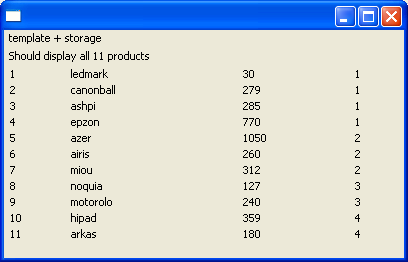
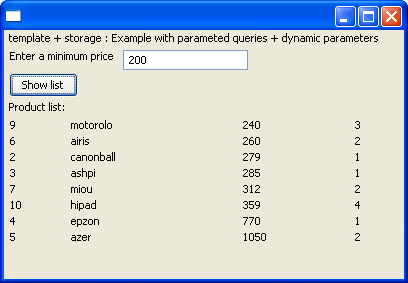
The “dynamic parameters” demo is sorta neat too. It lets you pass a value in to dynamically effect the template query and rebuilds the XUL. Here’s what it looks like: